Showing posts with label Photography. Show all posts

Tuesday, November 5, 2013


We live in an era of hyper-mobility and this has made us a lot dependent on technology. Sharing photos through a variety of social media platforms has become a usual daily habit. Here are 5 photo sharing apps for Android that will make your life easier:

Upcoming Post:

Interesting Things about Google You Should Know.

Best Sharing Apps

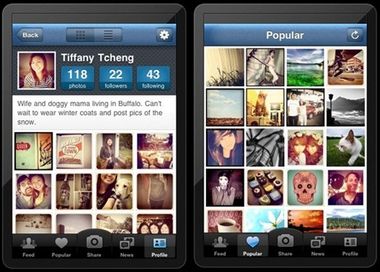
Unless you have been living in a cave for the past few years, you probably know what Instagram is. The app was purchased by Facebook about a year back, and at the instant, it is the trendiest social platform for sharing photos online. As a matter of fact, Instagram could with no trouble be featured in the editing category as well, but we decided that its most noteworthy impact has been as a sharing medium. So, if you want people to see, like, and share your photographs, you should unquestionably become a member of the huge Instagram society.
2. Postagram

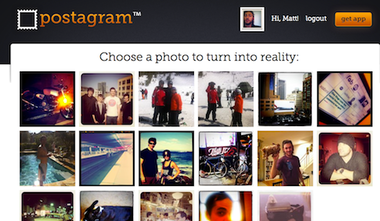
Postagram is certainly a photo-sharing app, but it may not be the type of sharing that you had in mind. With it, you can twist photographs into high-resolution postcards, printed on glossy paper, and send them anywhere in the world for little over a dollar. If you are traveling around the world, you can easily stay in contact with your loved ones at home.
3. SnapChat

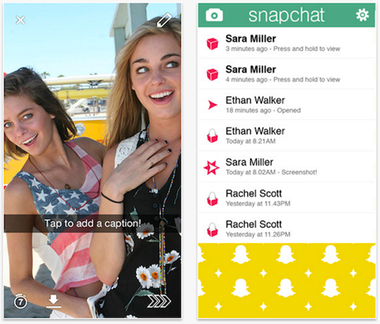
Snapchat has a humorous way of sharing your photographs with the rest of the world. The complete idea is to quickly take a funny video or photo and then send it over to your friends. As soon as they see it, it will disappear.
4. DropBox

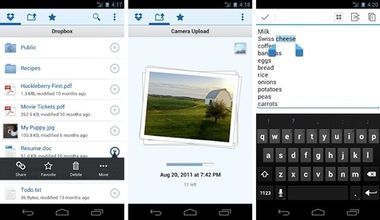
Dropbox is without a doubt the best tool for sharing images(with yourself). Stop thinking about the days when you had to attach your Smartphone to your computer all the way through USB. With Dropbox, all you have to do is connect to the internet on both devices and it will robotically share your photos, documents and videos. If you want to access your files, you can just share a link with friends and family.
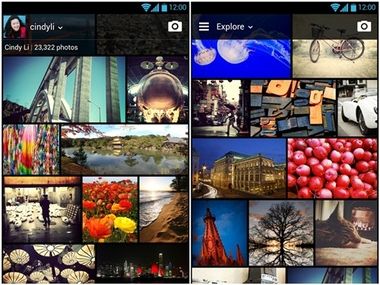
5. Flickr

Flickr is one of the most well-liked platforms for people who like to share their photos. It lets its users take pictures with the app’s camera, and directly share it on Facebook, Twitter, Tumblr and Flickr groups. Like Instagram, it also has a few editing features, and it is hands-down the best way to share high-resolution photos.


Top 5 Android Apps for Sharing Photos.

Monday, November 4, 2013


If you’re an Android addict then you are really blessed with limitless number of apps that you can use for anything. The Play Store is abundant with around one million apps these days, and public can get overwhelmed by the surprising amount of tools.
There are literary hundreds of apps dedicated to photography itself, so how can you make a decision which is the best one? Make sure you capture, edit, share and save the most essential moments of your life by using one of the following top 5 android apps for shooting photos

Best Photography Apps

When it comes to photography, the most essential process is definitely the shooting. You can easily edit a photo that has good quality light and respectable framing, and with the following Smartphone photography apps the procedure will be very simple. Learn how to change the atmosphere of the camera, the light intake and many other things.


1. Camera360 Ultimate

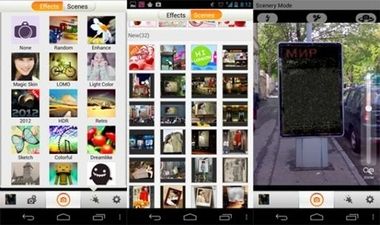
This is the most popular photo app and it also offers a cloud platform to handle files, also eight shooting modes (including audio mode, quick-shoot, self-portrait). Camera360 is the most excellent app for those who are still working their way around the Android OS because every shooting and editing option has little explanation and descriptions. The app also has a “funny-photography” mode, with which you can generate ghost pics.

2. Pro HDR Camera

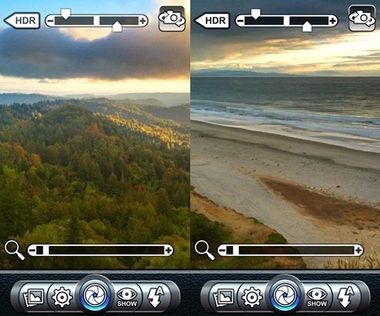
As the name clearly suggests, the Pro HDR Camera is one of the most highly developed Android photography apps for shooting photos. With it you can take great photos, with high-quality contrast, lighting and brightness. Another thing that you will positively appreciate about it is the fact that it can take great-quality photos on dark nights (apparently, this also depends on your phone camera specifications).

3. ProCapture

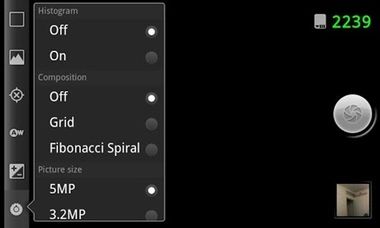
ProCapture has received nearly 2,960 5-star ratings, and for excellent reason: it’s a superb photo-shooting app that will absolutely improve your Android camera experience. At the instant it’s available in a free version, and a paid one (which has additional features). With it you can create panoramic photos, and link together quite a few photographs in order to make one, high-quality one.

4. Retro Camera

Do you do really adore vintage and retro effects? Android’s respond to iPhone’s Hipstamatic was a vintage camera app called Retro Camera. This tool is mainly a camera through which you can add different effects, like film scratching, vignetting and lots more. It also has a quick sharing option for social media profiles.

5. Photaf Panorama Pro

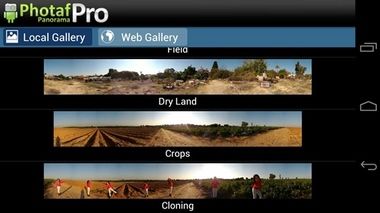
Photaf is without a doubt the best Android app for creating 360-degree panoramic photos. As a matter of fact, it is so highly developed that you can capture panoramas horizontally, vertically, and even in HD quality. The only thing you need to do is to keep your hand still while taking the shots!


Top 5 Android Apps for Shooting Photos.


            If you’re an Android user then you are really blessed with countless number of apps that you can use for anything. The Play Store is swarming with around one million apps these days, and public can get overwhelmed by the astounding amount of tools.
There are literary hundreds of apps devoted to photography itself, so how can you decide which is the best one? Make sure you capture, edit, share and save the most essential moments of your life by using one of the following top 5 android apps for editing photos

Top Editing Apps

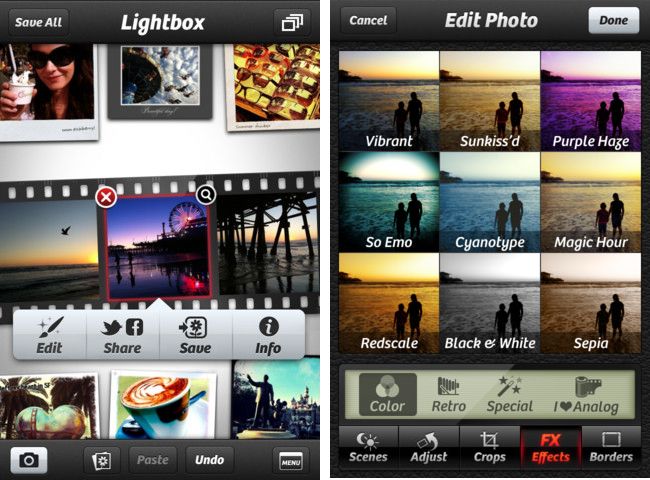
Smartphone photography has become heavily dependent on little artistic tweaks, such as contrast or color adjustments, color filters, vintage effects. So, for making your photos look enhanced, here are the best editing apps:

1. Photo Editor (Aviary)


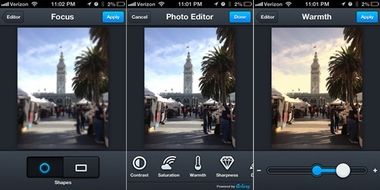
The Photo Editor by Aviary is a complete photo editing app on which you can do just about anything you wish for. Among the many editing features, we liked the cosmetic tools, which eliminate blemishes and other skin impurities, the meme generator and the one-tap auto enhance option. With over 260,000 5-star ratings, we can securely say that it is among the most magical Android photography apps.

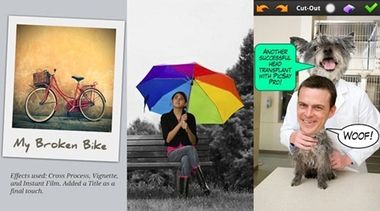
2. PicSay Pro


PicSay Pro has over 68,000 5-star ratings in the Play Store, and this makes it one of the most adored and reliable photo editing tools for Android smartphones, with easy options for sharing photos on Facebook, Flickr, or Picasa. It’s also a lot of fun to use because you can beautify your friends’ pretty faces with moustaches, slot in text bubbles, or you can simply insert different types of effects to photos. In numerous ways it’s similar to the photo editors that you are probably already used to because it also has exposure, contrast, saturation, tint and brightness options.

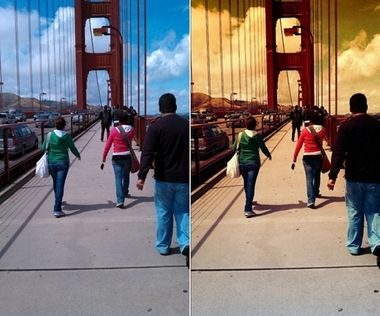
3. Vignette

Vignette is yet another outstanding Android camera app. Most users download it for editing as it has more than 70 effects and 50 frame styles that you can select from. Also, each and every effect can be morever modified with the help of over 20 custom settings. Finally, you can edit photos as you take them, an exceptionally convenient feature.

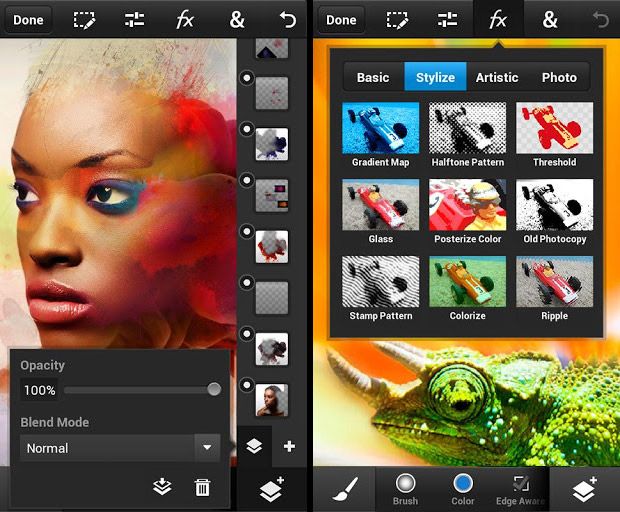
4. Adobe Photoshop Touch

Almost every professional photographer is by now familiar with the desktop version of Adobe Photoshop(one of the most dominant photo manipulation programs)so they were more than eager to try out its mobile app, now available for Android. The app mostly brings all the significant features of Photoshop to the Android OS, and even if it may seem a little complicated to understand at first, if you continue, you will soon find out that its editing capabilities go far ahead that of Instagram or Aviary.


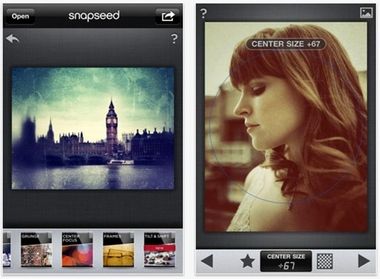
5. Snapseed

If you are not really into expert photography, or you just want to make your photos look superior for Facebook, make sure you have Snapseed. First of all, it is totally free. Secondly, it’s equipped with many refined filters and tools that will help you emphasize the most vital features of your photo.

Top 5 Android Apps for Editing Photos.

Subscribe via Email